9 Office Safety Tips

When you think of an office it tends to be pretty safe. You have your desk, your chair, computer and other usual office stuff. It seems the office is a pretty safe place to be and there is no reason to think otherwise. However, in recognition of June being National Safety Month, you might be surprised to learn of many hazards lurking within the general safety of your office. Here are nine tips to stay safe in the office.
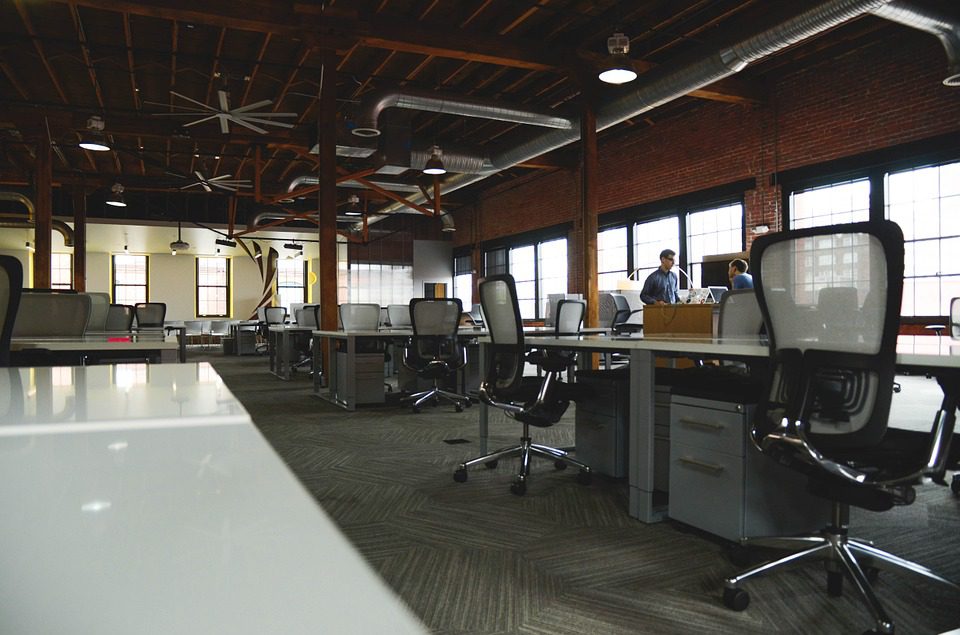
Office safety tips

1. Keep your workstation clutter-free. Clutter of the office not only inhibits productivity but can also create hazards. No one wants to find a pin on your desk by leaning on it or trip over some papers that toppled over and off of your desk.

2. Use document holders to prevent desktop piles of paper from falling and creating trip hazards.

3. Keep a clear path. Following up on #1, keeping a clear path in hallways and walk areas between desks is key to minimizing trips and falls.

4. Use foldable or compact steps to reach high places instead of using an office chair with wheels. This should be common sense but let’s be honest – we all do it.

5. Store documents, books, supplies and other materials properly. Large stacks can create hazards of falling material. Properly arrange items on appropriately sized shelves and avoid storing beyond capacity.

6. Place convex mirrors in curbed areas where collisions may happen. This will help prevent bumping into another person or knocking over supplies.

7. Install non-skid carpeting to prevent slipping.

8. Close cabinet doors and drawers which may cause someone to trip or injur their leg.

9. Buy appropriate sized furniture. Excessively large furniture leaves little room to move around, thus creating trip hazards.

Utah Marketers aim to give you beautiful websites that rank high in search engines.

How B2B and B2C Website Designs Differ

Are you a business owner in Ogden ready to build a website with all the elements that your favorite online stores or service sites have? Not so fast. Before you dive into design decisions, you need to understand whether you're building for other businesses or...

Why Visual Hierarchy Matters for Your Website

If your webpages currently look cluttered or confusing, there's a good chance your visual hierarchy needs work. Whether you're running an e-commerce site or building out a professional services homepage, you want every element from your logo to your "Buy Now" button...

Best Practices for Providing Feedback to Your Web Designer

If you're investing in a professional website, you want every detail to reflect your brand. But turning vision into reality doesn't happen without one key ingredient: your feedback. Giving effective feedback to your designer means being timely and specific with your...

Why Elementor Is Ideal for WooCommerce Web Design

If you're building or redesigning your WooCommerce store, your choice of tools can either speed up or delay your project. You want a store that's easy to manage, looks good on phones and desktops, and turns browsers into buyers. However, many of the tools for building...

How to Make a Seamless Web Design Agency Transition This Year

You already have a website. It's live, customers use it, and your business depends on it. But your current agency isn't cutting it anymore. Maybe updates take weeks when they should take days. Maybe they don't answer your calls or emails. Maybe the work quality has...

Skip to content