
Social sharing has become an integral part increasing a website’s visibility through content promotion, and its popularity is continuously on the rise. Since so many of us are active on social media, this creates a marketing opportunity that companies simply cannot ignore.
In this way, social media has complemented search engines in helping people find information on the internet. Next to search engines, social media drives the most traffic to websites, serving as a two-way communication that helps in building brand awareness.
(elegantthemes / monarch)
If you don’t already have a social media plug-in on your WordPress website, the countless options available can be overwhelming. Below we have highlighted a few easy-to-use social sharing WordPress plugins to help narrow your choices.
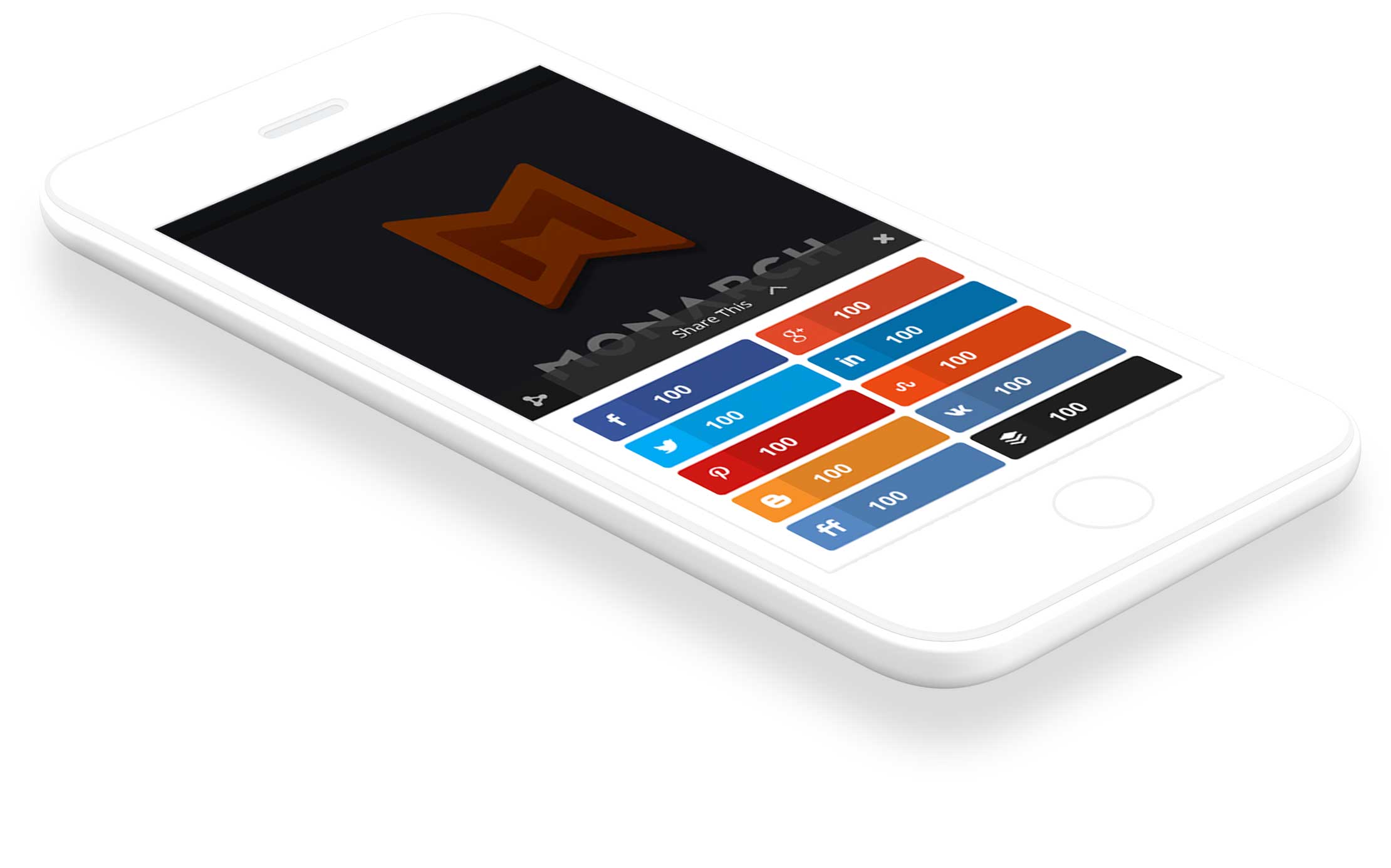
Starting with our favorite and the one we use, Monarch is a top-rated sharing plugin that allows a variety of options. You can easily import or export personal settings from more than 20 other sites supported by Monarch, and the dashboard enables you to manage them intuitively. You can also decide at what point your social share buttons will appear. They can be ever-present, scrolling, or flyby, or they can pop up after a user leaves a comment. With Monarch, you can tailor how your buttons appear to your customers and highlight your social share counts. Another important feature of Monarch is the ability to add social follow buttons by using a widget or a short code.
WP Social Sharing can add attractive social share buttons for the leading social media platforms to WordPress posts, pages, media, or custom posts. WP Social Sharing is generally considered to be a simple plugin because of its few customization options, but it gets the job done—and it’s free. While most social sharing programs use images for their buttons, WP Social Sharing created large social sharing buttons through the use of CSS3.
A good part of your online social marketing strategy is controlling how and who shares your content. Social Snap gives websites the power of broad social sharing with little to no setup. Social Snap has more than 30 social networks and apps to choose from. This allows your visitors to share your content through their favorite network or app such as Facebook, Twitter, Google +, LinkedIn, Pinterest, and many more. You can place your share buttons anywhere on your website. All you need to do is pick and choose where you would like to show them.
At its most basic, MashShare is a free social media plugin that is highly customizable for social media sharing and optimizing your website’s valuable content. Each additional add-on costs money, but they also give you significantly more options.
While other social buttons use external scripts that significantly increase loading time, MashShare is not dependent on the external script. The codes are loaded directly from your website, with MashShare ensuring the privacy of your website and your visitors.
With so many available social sharing plugins for WordPress sites, choosing the right one is just a matter of determining how you want your buttons to look and function. There’s no universal right or wrong, but as you check out some of the popular options, you can get a feel for which one is the best fit for your company.