
When you think of an office it tends to be pretty safe. You have your desk, your chair, computer and other usual office stuff. It seems the office is a pretty safe place to be and there is no reason to think otherwise. However, in recognition of June being National Safety Month, you might be surprised to learn of many hazards lurking within the general safety of your office. Here are nine tips to stay safe in the office.
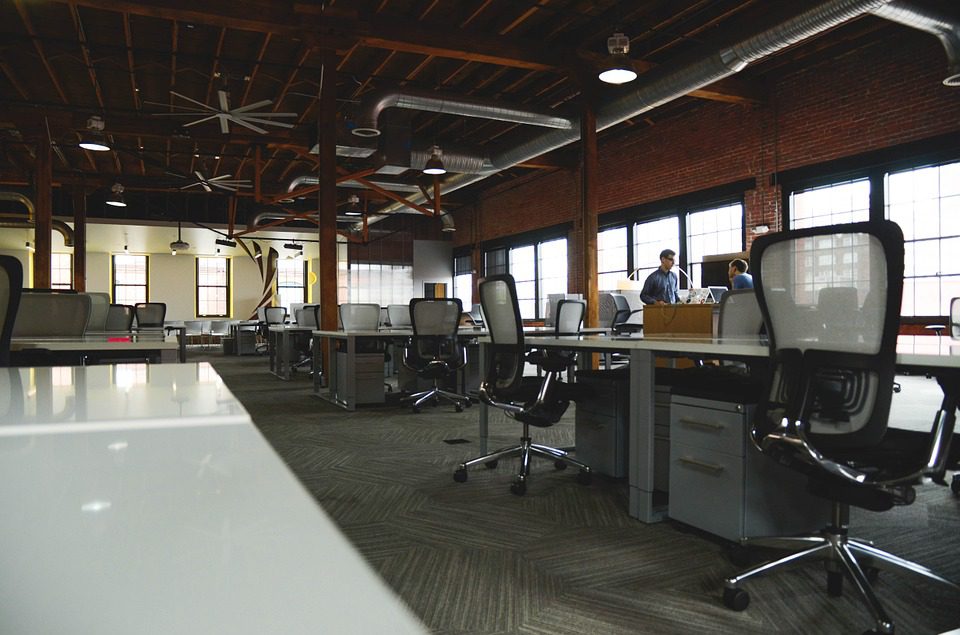
1. Keep your workstation clutter-free. Clutter of the office not only inhibits productivity but can also create hazards. No one wants to find a pin on your desk by leaning on it or trip over some papers that toppled over and off of your desk.
2. Use document holders to prevent desktop piles of paper from falling and creating trip hazards.
3. Keep a clear path. Following up on #1, keeping a clear path in hallways and walk areas between desks is key to minimizing trips and falls.
4. Use foldable or compact steps to reach high places instead of using an office chair with wheels. This should be common sense but let’s be honest – we all do it.
5. Store documents, books, supplies and other materials properly. Large stacks can create hazards of falling material. Properly arrange items on appropriately sized shelves and avoid storing beyond capacity.
6. Place convex mirrors in curbed areas where collisions may happen. This will help prevent bumping into another person or knocking over supplies.
7. Install non-skid carpeting to prevent slipping.
8. Close cabinet doors and drawers which may cause someone to trip or injur their leg.
9. Buy appropriate sized furniture. Excessively large furniture leaves little room to move around, thus creating trip hazards.