
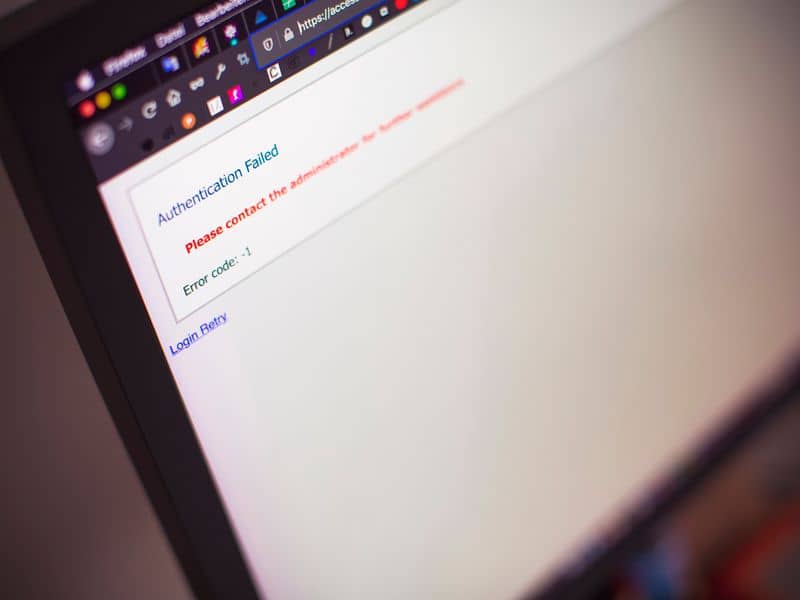
Most business owners look at their website and see whether or not it works. Do the pages load? Do the forms seem functional? Can it pull up on a phone and computer? If so, they’re happy with the status quo.
But if you run checks like that, remember that you’re looking at the site from just one vantage point. Someone who can’t use a mouse or has trouble reading the text may have a very different experience. If they can’t fill out a form or book an appointment, you could be losing a customer without knowing why.
That’s why accessibility is so important for business owners. A website isn’t doing its job if some of the people who find it can’t use it. Web accessibility standards give designers a way to find and prevent those problems.
What Web Accessibility Standards Cover
The Web Content Accessibility Guidelines (WCAG) set the requirements designers use for accessible websites. WCAG 2.2 is the current version.
Some problems are buried in the way the site was built. “Phone Number” can appear right above a field on your contact form, so it looks correct at first glance. But if the label and field aren’t connected in the code, a screen reader may announce an empty box without telling the person what belongs there.
You can run into the same issue with parts of the site you click every day. A menu may work fine with a mouse but fail when someone uses a keyboard. Popups can cause trouble too, especially when there’s no way to close one without clicking the X.
WCAG covers visual parts of the site as well, including how easily text can be read against its background and whether important information in a video is available through captions.
For some local context, 7.6% of Davis County residents under 65 have a disability, according to the U.S. Census Bureau.1 Accessibility can affect other customers as well, including someone dealing with a temporary injury or having trouble seeing a screen.
WCAG organizes its requirements into A, AA, and AAA levels. AA is commonly used as a target.
Where Accessibility and SEO Overlap
Some accessibility work can help Google understand your website too.
Say you have photos of completed jobs on a service page. Alt text describes those photos for someone who can’t see them. Google can use the same description to understand what’s shown in the image.
Headings help people find the information they came for, whether that’s your services, pricing, service area, or something else. They also help Google understand what each part of the page is about.
The wording of your links matters too. “View our commercial roofing services” tells someone where they’re going before they click. “Click here” doesn’t. Clear link text can give Google more information about the page you’re sending people to.
That doesn’t mean accessibility gives your website an automatic ranking boost. It doesn’t. Some of the work simply helps customers use and understand your website while giving Google better information about what’s on it.
Accessibility Makes Sites Better for Everyone
People can have trouble using a website for reasons that have nothing to do with a permanent disability. That makes some accessibility choices useful to a much wider group of customers.
You see it in fairly ordinary situations:
- Captions let someone follow a video when they can’t listen to the audio.
- Good contrast can make text easier to read when the screen itself is difficult to see clearly.
- Keyboard controls give someone another way to use menus, forms, and other parts of the site when a mouse isn’t practical.
- Clear form labels and instructions help people understand what information you need and what went wrong if the form won’t submit.
For a business, these details can affect very ordinary things: whether someone finds your phone number, checks your service area, sends a quote request, or finishes a booking.
They’re also the kind of details that are easier to account for during custom web design, rather than discovering them after customers have already been using the site.
The Legal and Reputational Stakes
Website accessibility can be a legal issue for businesses that serve the public. The Americans with Disabilities Act (ADA) requires those businesses to provide people with disabilities equal access to their goods and services, including what they offer through their websites.
So if you run a business and customers rely on your website, accessibility is something to take seriously. Businesses have faced lawsuits and government enforcement over websites that people with disabilities couldn’t use.
You may also come across claims that every business website is legally required to meet WCAG 2.2 AA. That’s not quite what the federal rules say. The Department of Justice hasn’t set WCAG 2.2 AA as a required technical standard for every private business website.
However, WCAG is still useful because it gives web designers specific accessibility requirements to work from so that they can comply with ADA requirements.
The Case for Building Accessibility From Day 1
If you’re working with a web design agency here in Utah, ask how they check accessibility before the website goes live.
Find out whether they’ve checked the forms, menus, and buttons customers use, including whether the site works without a mouse. If they find a problem, ask how it’s fixed.
One answer should make you cautious: “We installed a plugin, so you’re covered.” A plugin may catch or help with certain accessibility issues, but it can’t guarantee that the whole website is accessible.
Accessibility is easier to deal with while the website is still being built. The team can fix problems as they find them instead of discovering them after customers are already using the site. Contact our Layton web design agency to learn more.
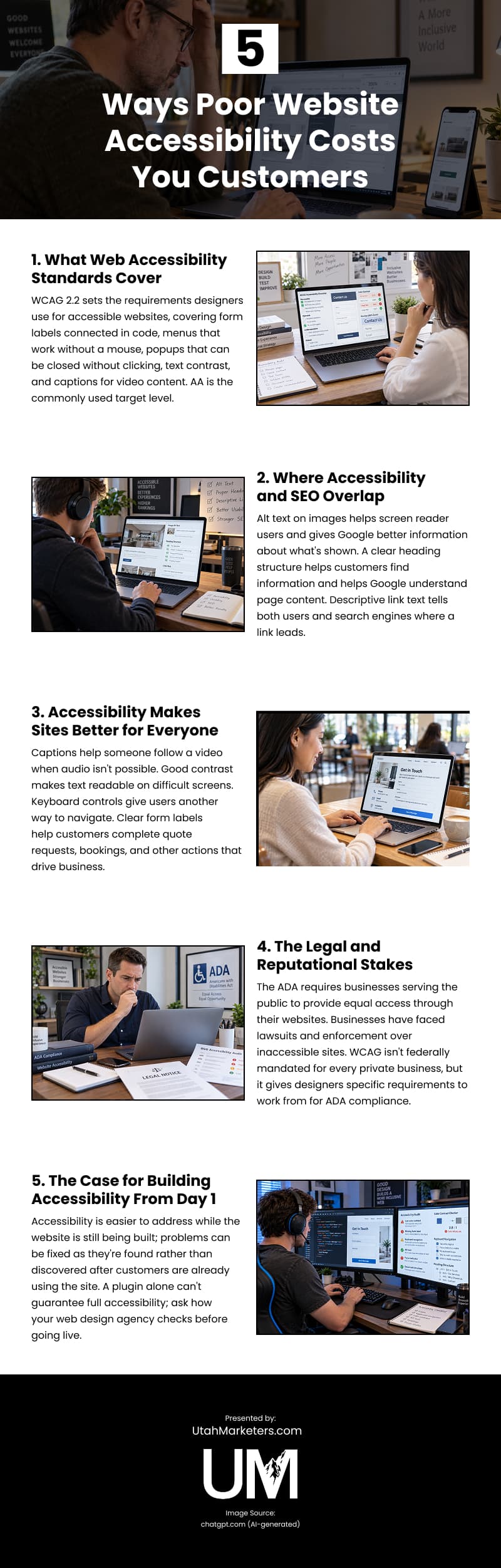
Infographic
Sources:
1https://www.census.gov/quickfacts/fact/table/daviscountyutah/PST045225/